Macbook
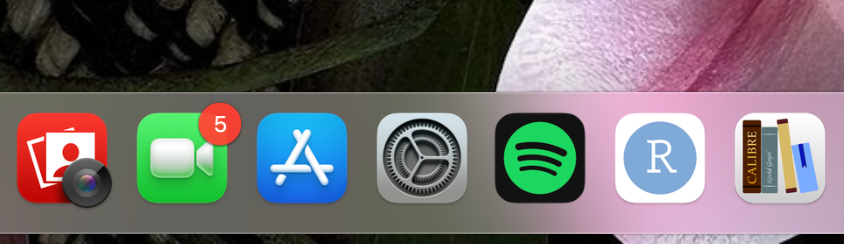
Go to the Settings app
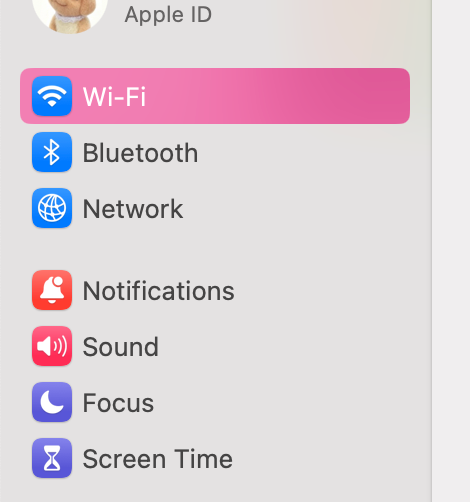
Select Wi-Fi from the left toolbar
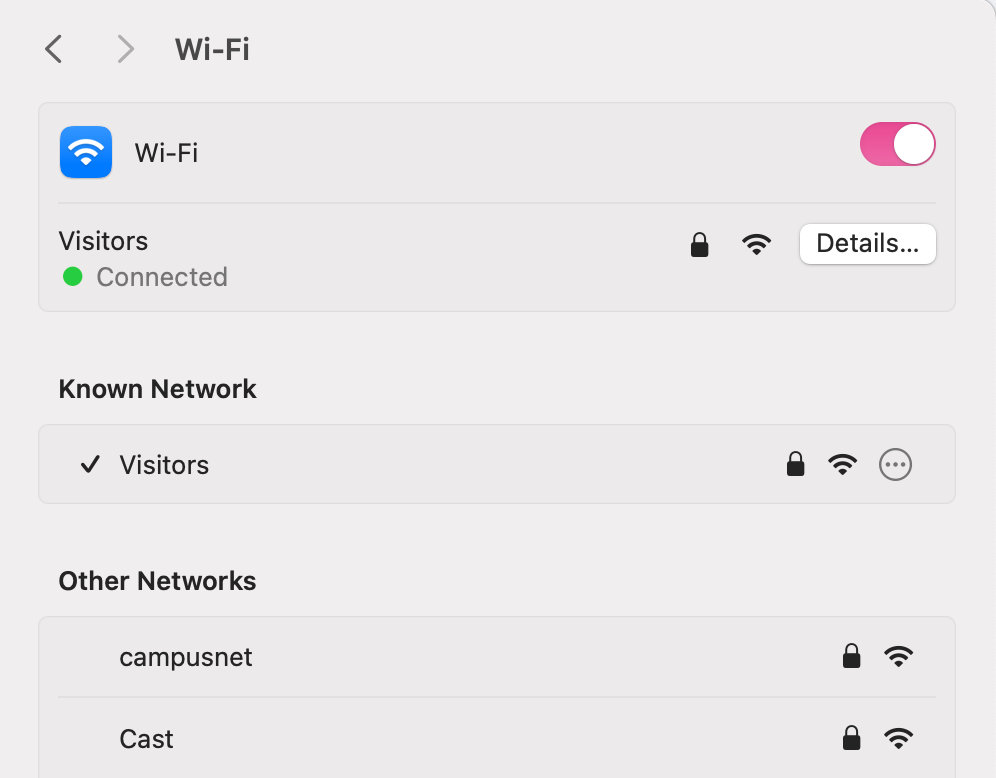
Click Details… next to your connected network
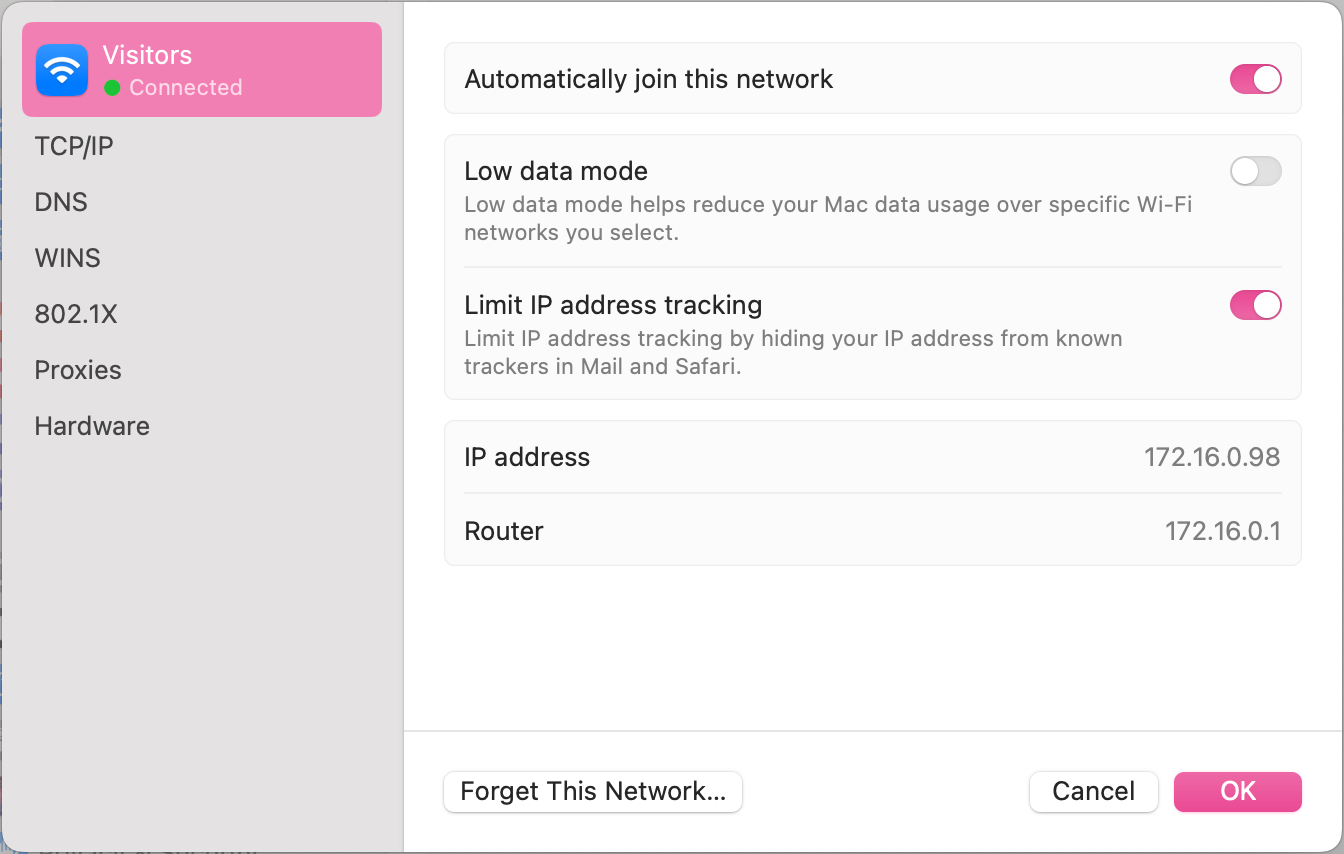
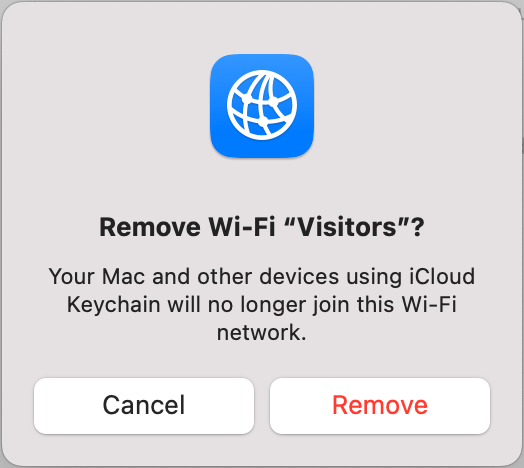
Click Forget This Network…
Click Remove

Modified on: Wed, 12 Aug, 2026 at 2:33 PM
Macbook
Go to the Settings app
Select Wi-Fi from the left toolbar
Click Details… next to your connected network
Click Forget This Network…
Click Remove
Did you find it helpful? Yes No
Send feedback